Not all ADHD tools help. Some make it worse. Here’s how to tell the difference.
9 min read
Search "best ADHD study tools" and you'll get the same fifteen apps recommended in every blog post since 2018. Notion. Todoist. Forest. A timer that grows a tree if you don't touch your phone. They're fine. Some of them are genuinely great. But most of them weren't built for ADHD brains. They were built for productivity nerds and then marketed to ADHD brains later.
Here's the truth almost nobody says out loud. The wrong study tool can make ADHD worse. It can add admin. Drain dopamine. Become one more thing you're failing at.
The right one? It quietly removes friction without taking over your thinking. This guide is about how to spot the difference, and how to pick ADHD study tools that actually support your executive function instead of replacing it.
Some Tools Just Add More Noise
The productivity industry loves complexity. ADHD brains do not. Most "best of" lists ignore that mismatch and recommend tools that look impressive in screenshots but fall apart in real-world use.
The Fear of Becoming Reliant on Technology to Think for You
This is a real concern and it doesn't get enough airtime. There's a difference between a tool that makes a task easier and a tool that does the task for you. The first builds your capacity over time. The second creates a dependency. The moment the tool isn't there, your skills aren't either.
For students especially? This matters a lot. You're trying to build the executive function muscles you'll use for the rest of your life. A tool that thinks for you in week one feels great. By final year, you've outsourced so much that you can't function without it. That's not support. That's a crutch in a productivity costume.
The best ADHD study tools should make you better at studying. Not more dependent on them.
Rigid Tools That Don't Adapt to How You Learn or Feel
Most productivity apps assume your week is predictable, your energy is consistent, and your priorities don't shift hourly. Literally none of that is true for ADHD students. So the tool ends up reflecting a version of you that doesn't exist, and every time you fall behind, the app quietly makes you feel worse.
A tool you have to "stay on top of" is a tool that's failing you. Maintenance shouldn't be a second job.
A Tool Needs to Be Assistive, Not a Replacement
So how do you pick something that actually helps? It comes down to two things. Low cognitive load. Real flexibility.
What to Look for: Flexibility and Low Cognitive Load
Cognitive load is the mental effort the tool itself costs you, separate from the work you're using it for. High-cognitive-load tools (a Notion setup with seven linked databases, for example) demand effort to maintain. Low-cognitive-load tools fade into the background and let you focus on the actual work.
Flexibility means the tool bends to your day, not the other way around. If you skip a session, miss a deadline, or completely forget the tool exists for a week, it should welcome you back without making you reset everything.
Quick test. Open the tool right now. If your first thought is "ugh, I need to fix this before I can use it," that tool isn't ADHD-friendly.
The Importance of Tools That Reduce "Overwhelm" Rather Than Adding Administrative Work
This is the line between good tools and bad ones for ADHD brains. Good tools reduce the mental clutter you're already carrying. Bad tools create new clutter and call it "structure."
Ask of any tool: does using this make me feel lighter or heavier? If it makes you feel heavier, even a little, it's not the right tool for you. Doesn't matter how popular it is.
Here's Our List of Best ADHD Study Tools That Can Help (And What to Look for in Them)
Instead of just listing apps, here's the framework for evaluating any tool you're thinking about. Plus the categories that actually matter for ADHD students.
Audit Your Current Tools: Do They Stress You Out or Help You Start?
Before adding anything new, audit what you already have. Open every productivity app on your phone. For each one, ask three questions:
When did I actually last use this?
Does opening this tool give me energy or drain it?
Has this helped me finish a single thing this month?
Be ruthless. Delete or mute anything that's just a guilt machine. You'll feel lighter immediately. And you'll have space for tools that actually work.
Look for Conversational Interfaces That Mimic Human Support
Traditional productivity apps look like spreadsheets. Conversational tools feel like talking to a friend. For ADHD brains, the difference is huge. Chatting needs way less cognitive setup than navigating menus, and a conversational interface meets your brain where it already is, instead of where the app wants it to be.
If you can describe what you need and the tool figures out what to do with that? You're in the right zone.
Categories Worth Considering
A short, honest map of what tends to work:
Capture tools (for brain dumping): Apple Notes, voice memos, STU. Simpler is better.
Body-doubling tools: Focusmate, study-with-me streams, STU.
Light task tools: Things 3, TickTick, or even a plain text file. Avoid anything that requires a setup video.
Focus timers: Use them, but don't worship them. A timer is a nudge, not a personality.
Conversational support: STU and similar tools that meet you in plain language.
Avoid the "Just Add Another Tool" Trap
The most ADHD-friendly thing you can do is use fewer tools, more deeply. Every new app is a new system to maintain. Pick the one or two that genuinely help. Let the rest go.
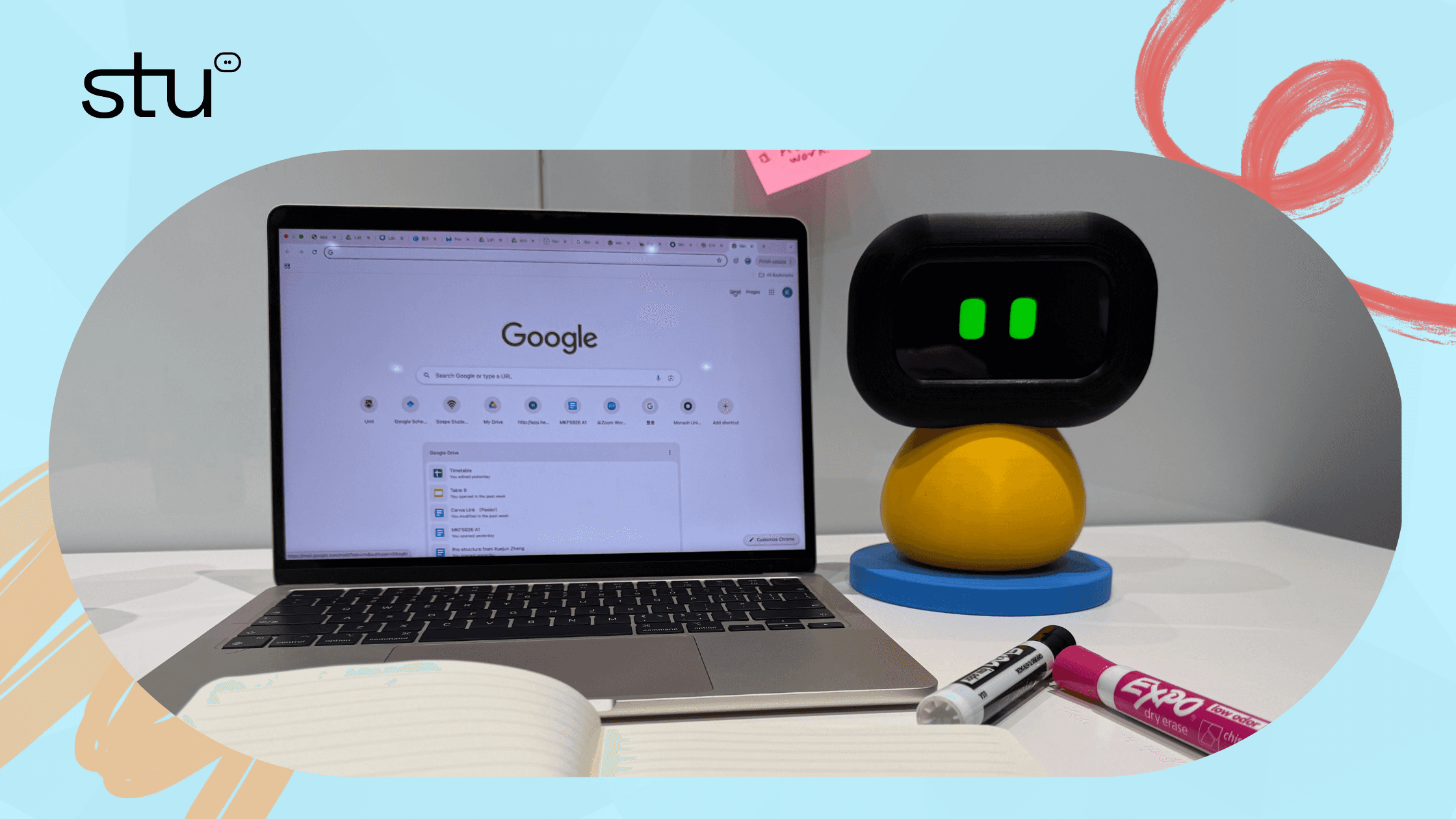
How STU Helps: A Different Approach
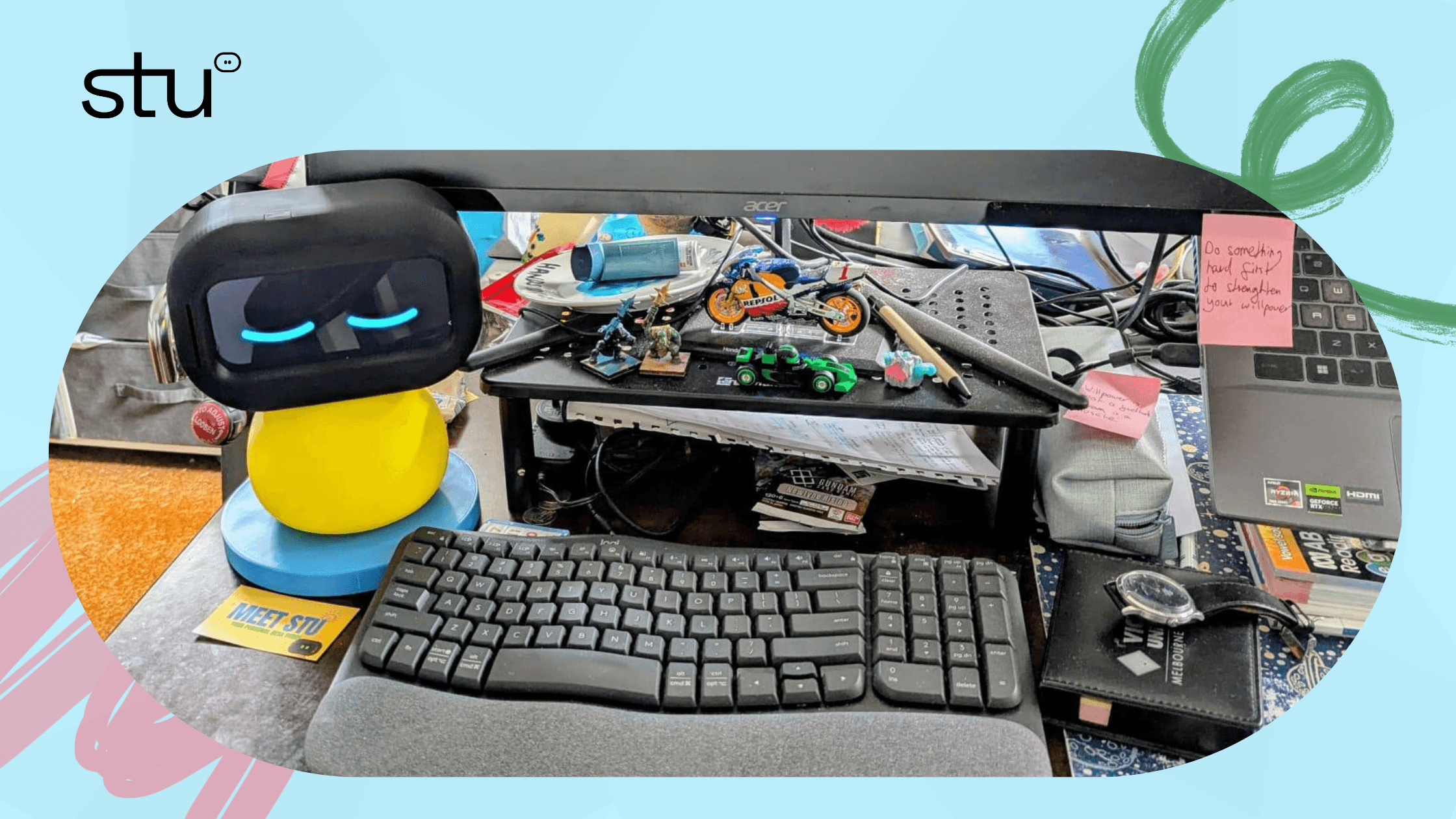
Most "ADHD productivity tools" were built by people who don't have ADHD, then patched with features the community asked for later. STU was built the other way around. Listening first. Building second.
STU Isn't Just a Timer; It's a Conversational Companion
You don't open STU and stare at a menu. You talk to it. "I have a 3,000-word essay due Friday and I haven't started." "I'm having a low day, can you slow things down?" "I keep forgetting to email my tutor back." STU responds the way a person would. Figuring out what you need, breaking it into manageable next steps, and adjusting if your day shifts.
That conversational layer is what makes the difference. No system to learn. No setup ritual. No dashboard to maintain. Just a tool that meets you where you are.
Built by Listening to the Real Struggles of the Community to Support Executive Function, Not Replace It
STU's whole design philosophy is assist, don't replace. It helps you start tasks, but you still pick the tasks. It helps you remember things, but you still decide what matters. It helps you plan, but it doesn't run your life. The goal is that, over time, using STU makes you better at managing your own brain. Not more reliant on something else doing it for you.
That's the line we drew. And it's the line every good ADHD study tool should respect.
Final Thought: The Best Tool Is the One You'll Actually Use
There's no perfect ADHD study tool. There's only the one that fits your brain, your life, and your cognitive load tolerance. The right tool is invisible most of the time and helpful exactly when you need it. It doesn't demand maintenance. It doesn't create guilt. And it never, ever makes you feel like you'd be more productive if you were just a different person.
Audit what you have. Drop what drains you. Keep what helps you start. That's the whole secret.
RELATED ARTICLES

How to Survive ADHD Burnout? Managing Energy, Not Time
7 min read

If It's Not Written Down, It Doesn't Exist: The Power of the Brain Dump
8 min read
Body-Doubling : A Secret Recipe to Finishing Coursework
7 min read

Beating "ADHD Paralysis" When You Have a Huge Deadline
8 min read
ADHD Body Doubling: The Company We Keep When We Work
4 min read
How to Turn Your ADHD Into a Superpower
1 min read